
JRiver Media Center
Powerful media center for audio, video, and image management with extensive playback and organization features.

JRiver Media Center — Key Facts
- Latest Version
- 35
- License
- Free
- Platforms
- Windows
- Category
- Audio Players
- Price
- Free to download
- Official Site
- jriver.com
- User Rating
- ★ 4.9 / 5 (411 ratings)
JRiver Media Center Screenshots
About JRiver Media Center
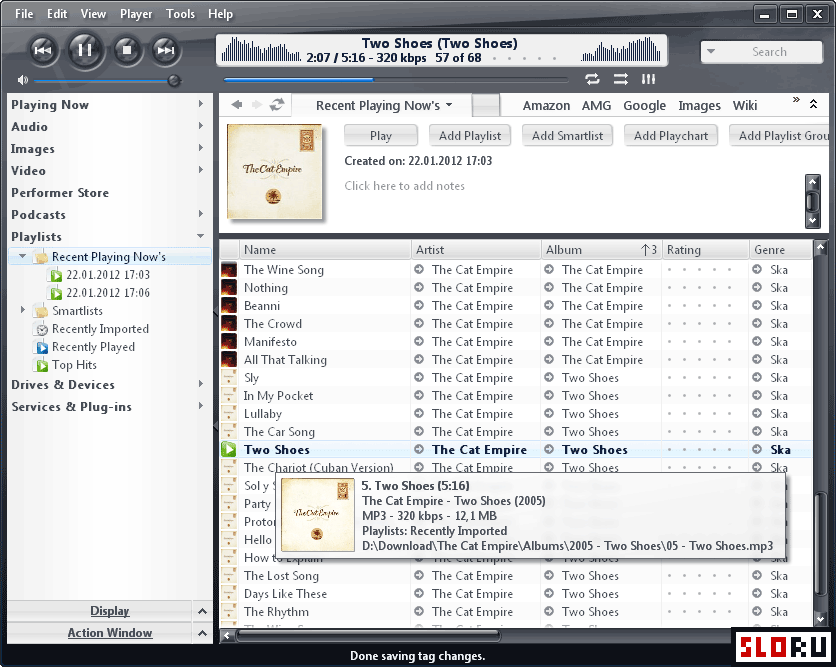
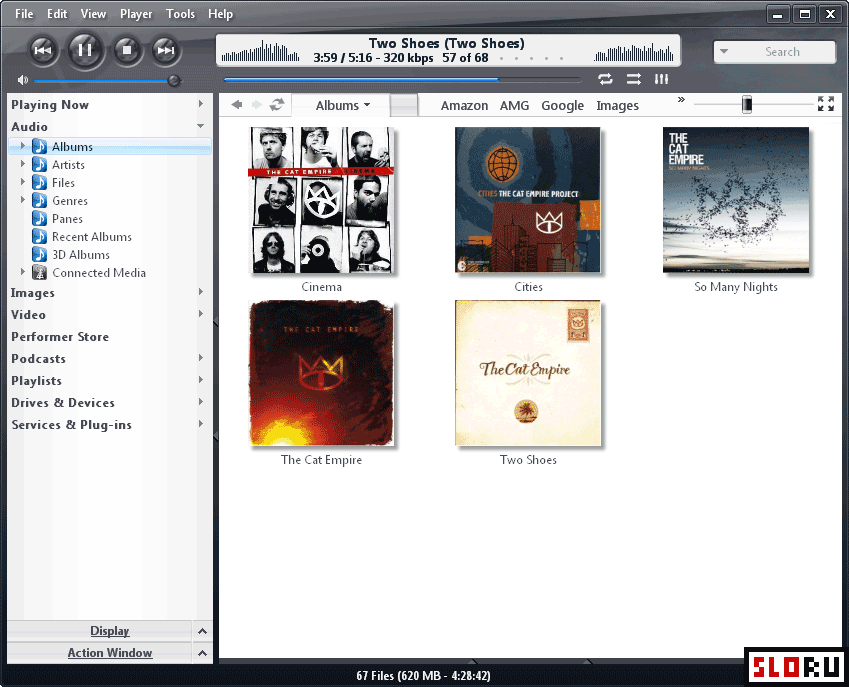
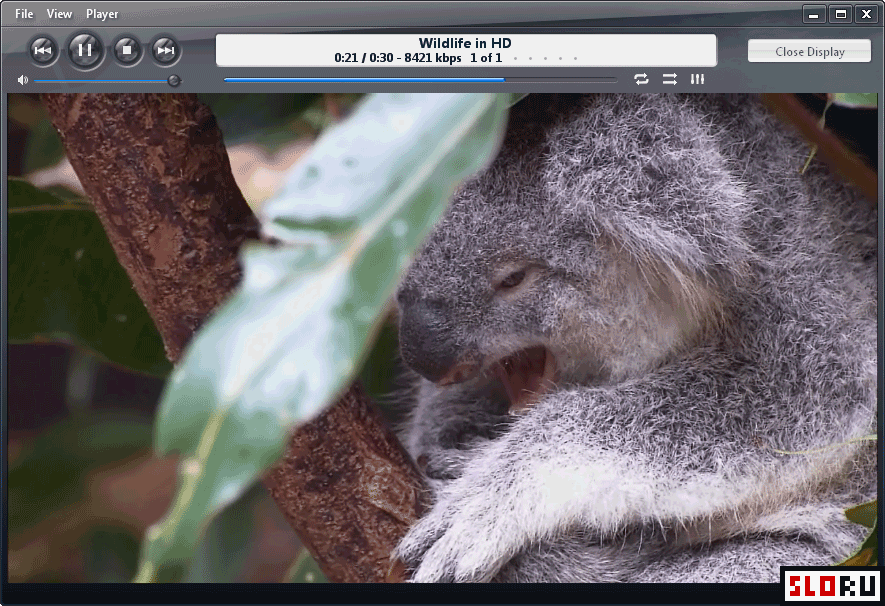
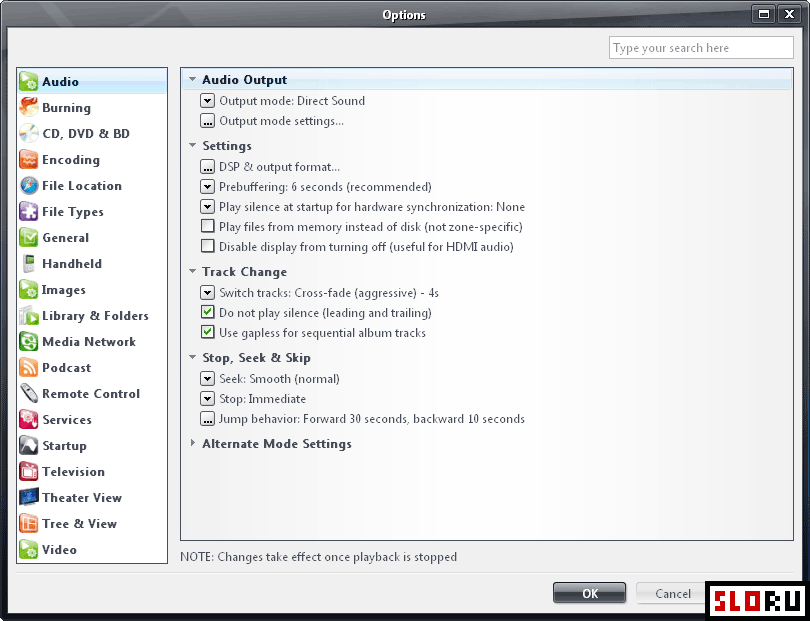
JRiver Media Center is a comprehensive media management application designed for users who require advanced audio and video organization capabilities. The software has established itself as a robust solution within the category, offering functionality that extends far beyond basic playback. Version 35 continues the program's tradition of delivering sophisticated media library management across systems. The application provides extensive support for audio files, video content, and image collections, with particular emphasis placed on handling large-scale music libraries efficiently. The core strength of JRiver Media Center lies in its fully customizable interface and comprehensive file format support. Users can organize media using advanced tagging systems, automatic metadata retrieval, and cover art management. The application includes specialized audio tools such as noise reduction, volume normalization, and audio quality enhancement features. Interface customization extends to multiple skins and a minimalist display mode, allowing users to adjust the workspace according to personal preferences. All major audio and video formats are supported, making the software compatible with diverse media collections. The catalog management system includes detailed statistics tracking and sophisticated sorting options that scale effectively with large libraries. Beyond playback and organization, JRiver Media Center incorporates additional professional-grade features. Disc burning capabilities allow users to create physical media from digital collections. Audio CD ripping functionality enables conversion of physical media into digital formats. Synchronization with external devices facilitates music transfer to portable players and mobile devices. Format conversion tools provide flexibility in managing files across different systems and applications. Integration with internet services enables automatic retrieval of album information, artist details, and supplementary metadata. These extended functions position the software as a complete media management solution rather than a simple player. The application is available for users seeking professional-level media management. Download JRiver Media Center to access a feature-rich platform designed for serious music and media enthusiasts. The software functions as both a personal media server and an advanced music player, suitable for music collectors and home theater installations. Installation is straightforward, and the program operates offline without requiring constant internet connectivity, though online features enhance metadata accuracy and service integration.
JRiver Media Center is a free audio players available for Windows. Browse more free software or portable programs.