
Kaspersky Antivirus
Popular antivirus solution protecting against malware, viruses, and online threats with real-time scanning.

Kaspersky Antivirus — Key Facts
- Latest Version
- 21.23.6.614a
- License
- Freemium
- Platforms
- Windows
- Category
- Antivirus & Security
- Price
- Free to download
- Official Site
- www.kaspersky.ru
- User Rating
- ★ 3.8 / 5 (836 ratings)
- Tags
- free, lightweight, windows, offline
Kaspersky Antivirus Screenshots
About Kaspersky Antivirus
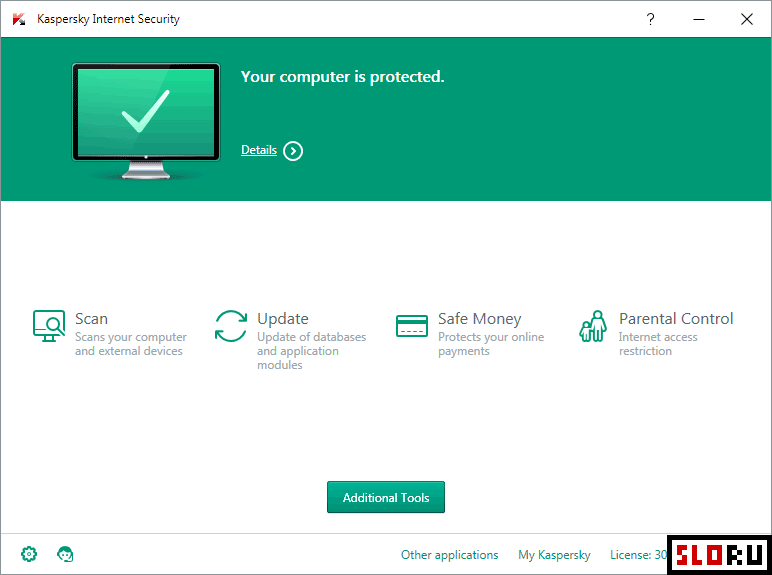
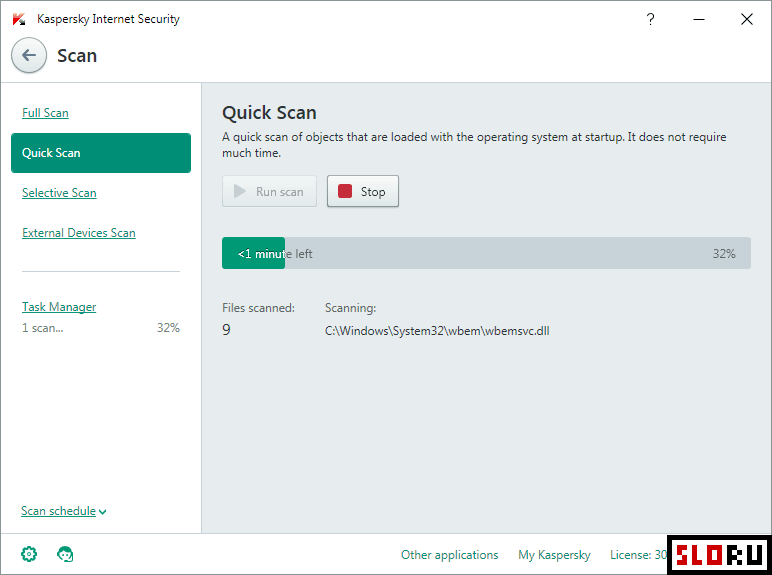
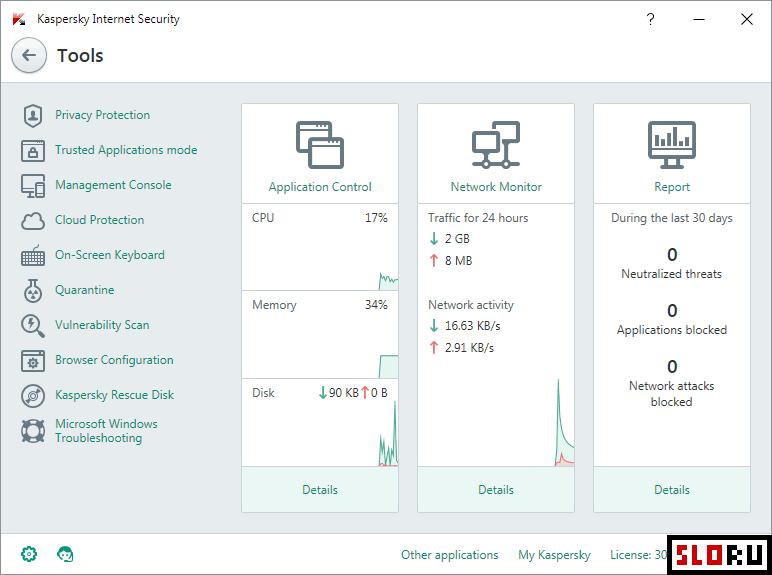
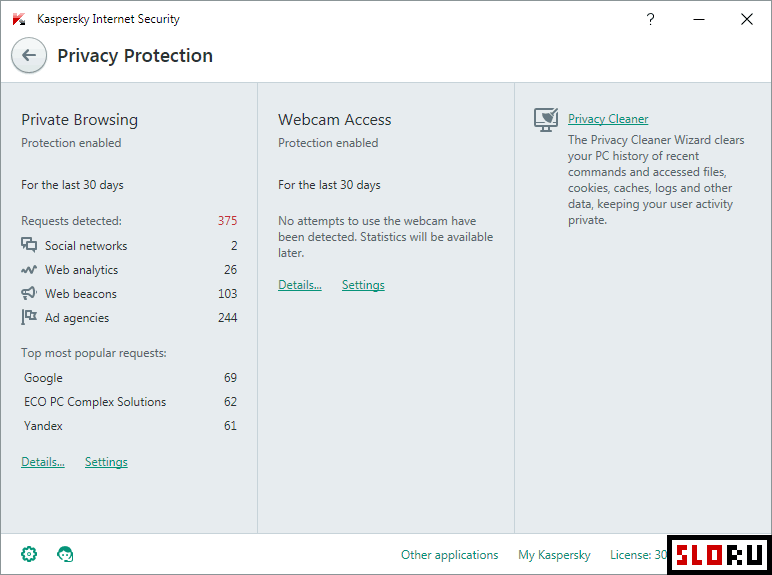
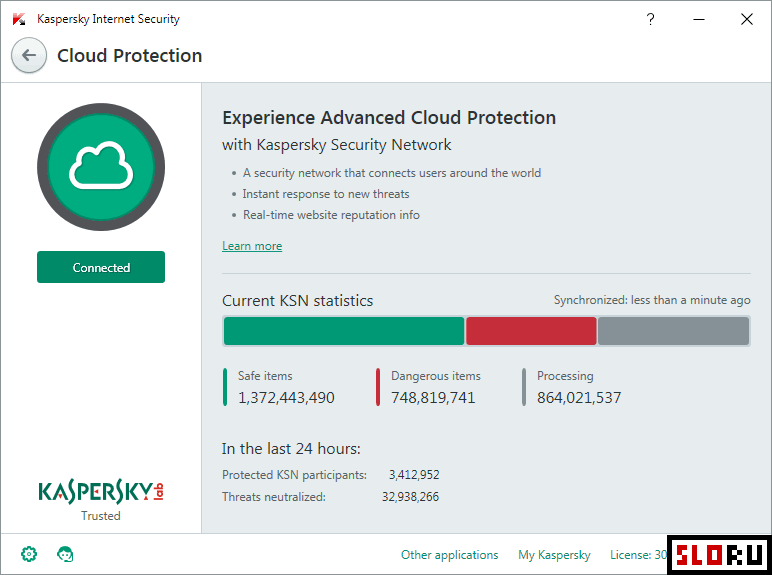
Kaspersky Antivirus represents a widely recognized security solution designed to protect computers from a comprehensive range of threats. The application provides real-time defense against malware, viruses, ransomware, and network-based attacks. For years, this antivirus has maintained leading positions in independent testing results and user adoption rates across solutions globally. The software delivers multiple layers of protection through several core functions. Real-time threat detection monitors system activity continuously, while behavioral analysis identifies unknown threats based on suspicious activity patterns. Scanning capabilities examine files, websites, and email attachments. Application control features restrict unauthorized software execution. Self-defense mechanisms protect the antivirus itself from tampering. Regular database updates ensure coverage against emerging threats. The platform operates across systems with consistent performance and minimal system resource consumption. Kaspersky offers multiple product variants to suit different security needs. Kaspersky Security Cloud provides basic protection against malware and malicious websites at no cost. Kaspersky Anti-Virus delivers comprehensive threat detection for files, websites, email, and instant messaging. Higher-tier versions include extended functionality such as firewall protection, virtual keyboard for secure password entry, and enhanced parental controls. System performance remains stable even during intensive scanning operations, with optimization options available for lighter configurations. The application is categorized as software for its entry-level offerings, with system requirements compared to competing solutions. Installation and configuration proceed through an intuitive wizard. Updates download automatically to maintain database currency. Support documentation and customer assistance remain accessible throughout the product lifecycle.
Kaspersky Antivirus is a freemium antivirus & security available for Windows. Browse more free software or lightweight programs.